
← Compensation & performance

HR DELIVERY / PRACTICE 02

Job evaluation

Establish its value.

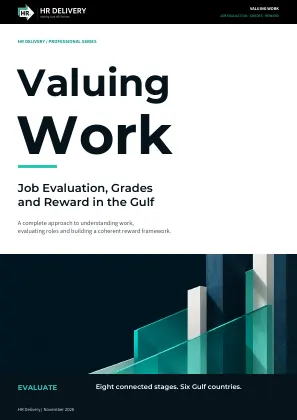
Compare the demands of jobs with evidence. Follow EVALUATE from the initial mandate to a governed, consistent grading system.

Omar

Omar

Compensation, Evaluation and Performance SpecialistAI team member
Contact OmarContact options · Connection availability shown in each workspace

THE PROCESS AT A GLANCE

EVALUATE · eight connected steps

A practical route from mandate to governance. Select a step to see the work, its outputs and what needs to be ready before moving on.

THE CENTRAL OUTPUT

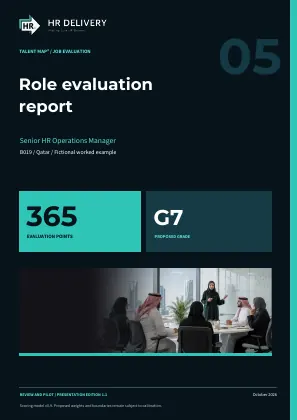
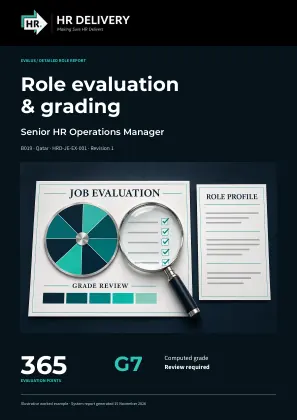
The role evaluation report carries the decision.

See the role facts, eight factor judgements, points, calculated grade, capability requirements and review status together. Follow the same report through preparation, independent review and approved use.

Select a step to see its guidance, relevant tools and expected outcome. Revisit an earlier step when the evidence changes.

STEP 01 / 08

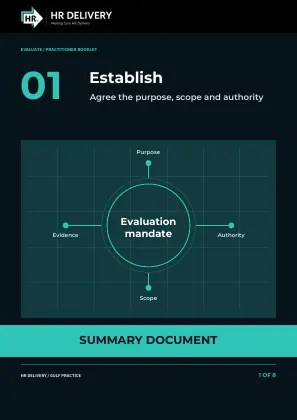
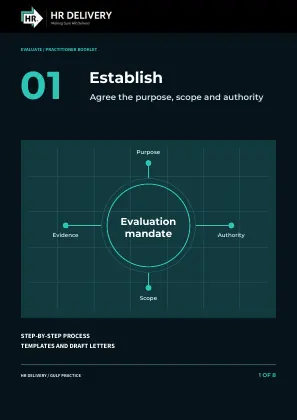
Establish the mandate

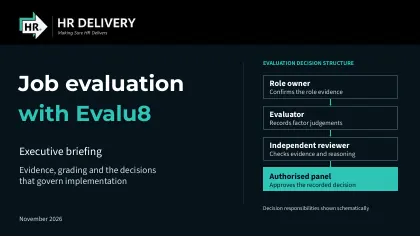
Agree why the organisation is evaluating jobs, which employers and roles are included, and what decisions the work will support. Name the people who confirm role facts, evaluate, review independently and approve outcomes. Set the evidence, participation, access and delivery arrangements, keeping evaluation and pay authority separate.
Tools for this step

STEP 02 / 08

Verify architecture and evidence

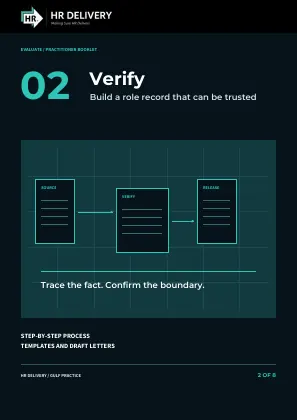
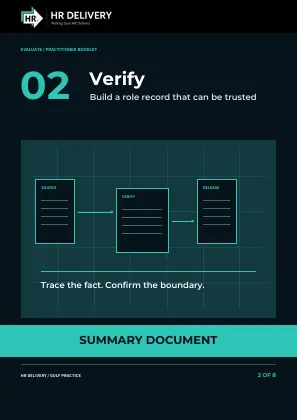
Reconcile the role catalogue and establish one dated account of each job's authorised work. Check purpose, outcomes, decisions, people managed, resources, required skills and normal working demands against their sources. Obtain factual confirmation from the authorised manager and keep missing or disputed evidence visible.

Tools for this step

STEP 03 / 08

Architect the scheme

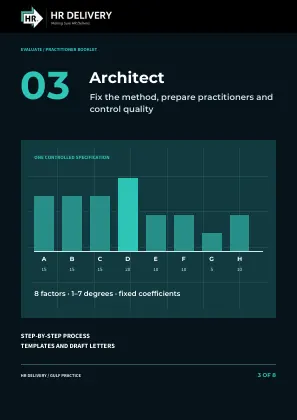
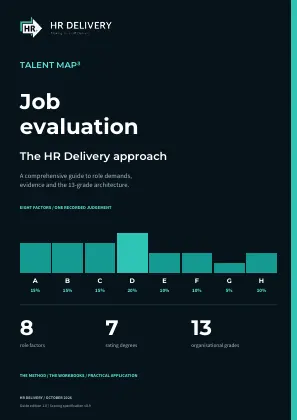
Confirm the method's intended use and release one controlled specification: eight factors, whole degrees from 1 to 7, fixed coefficients and thirteen exact grade bands. Prepare evaluators and independent reviewers, agree working procedures and test the method on varied reference jobs. Record quality findings, limits and the organisation's adoption decision; changes to the scoring rules require the method owner's authority.

Tools for this step

STEP 04 / 08

Level and score jobs

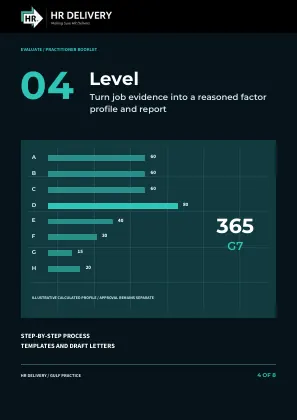
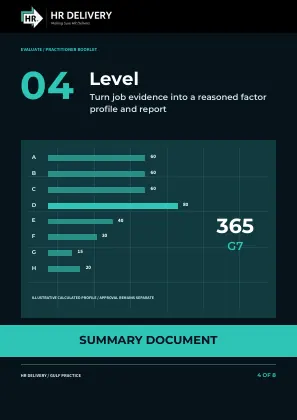
Use verified role evidence and the full factor descriptions to select and explain all eight degrees. Multiply each degree by its fixed coefficient, total the points and apply the exact grade band; check capability requirements separately. Generate and inspect the provisional role evaluation report, then send it with the evidence, reasons and open questions to Unify for independent review.

Tools for this step

STEP 05 / 08

Unify through calibration

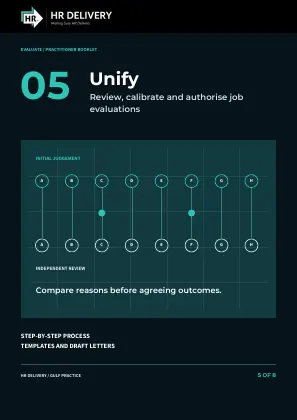
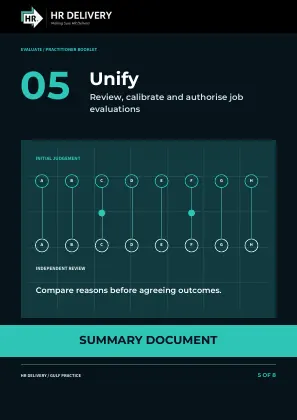
Review the provisional report and evidence through a trained independent reviewer before approving any evaluation. Compare factor reasoning across relevant roles, examine grade boundaries and resolve differences through evidence and the complete descriptions. Record approval, correction, hold or referral with reasons and authority; regenerate the report when facts or ratings change, and send approved decisions to Align.

STEP 06 / 08

Align grades, reward and careers

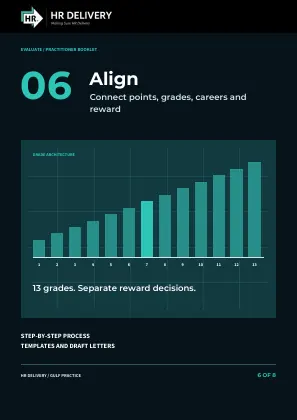
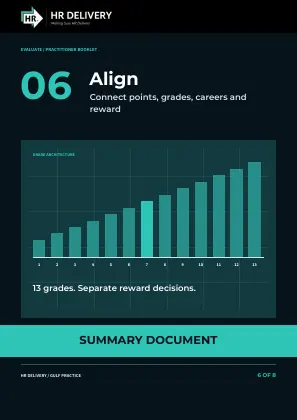
Use the approved role reports and decisions to confirm grades, map existing structures and connect career families, contribution routes and required skills. Match the salary reference by country, family and grade, retaining its source date, evidence code and pay basis. Model pay policy and transition costs for Test; salary references and individual pay decisions have their own evidence and approval and do not change evaluation points.

STEP 07 / 08

Test equity and implement

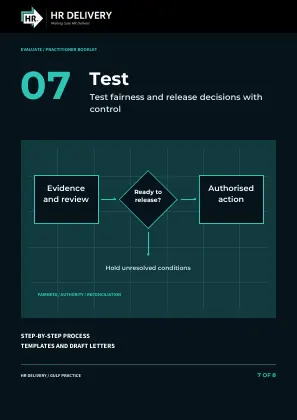
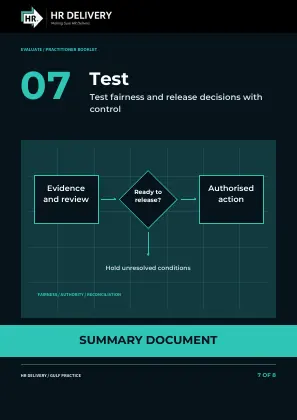
Test the proposal for fair evaluation, pay effects, employer requirements and implementation readiness. Check costs, approvals, communications and the agreement between authorised instructions and HR and payroll records. Implement only the approved changes, check the results and keep unfinished cases on hold.

STEP 08 / 08

Embed governance and evolution

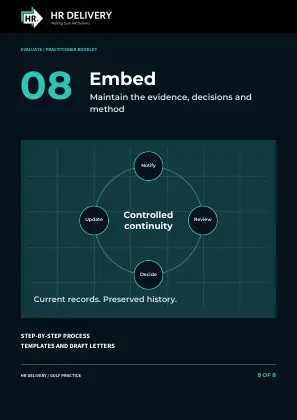
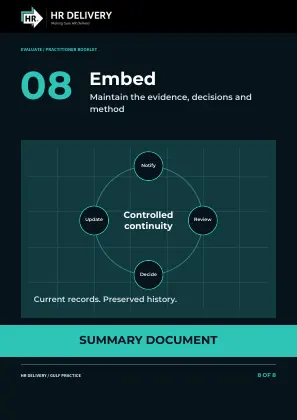
Give the operating system clear owners, review dates and a route for questions and changed work. Preserve current and earlier evidence, reports and decisions; send changed job facts through Verify, Level and Unify, method changes through Architect, and mapping or pay questions through Align. Keep practitioner capability and linked records current, returning to Test before implementing affected changes.

PUT IT INTO PRACTICE

Tools & portals

Move from guidance to the working tools. Protected workspaces use your existing portal access.

EVALUATE

Explore the complete framework

Read the method, decision principles and full implementation guidance behind these eight steps.

Read the framework

ONLINE TOOL

Evaluate a role

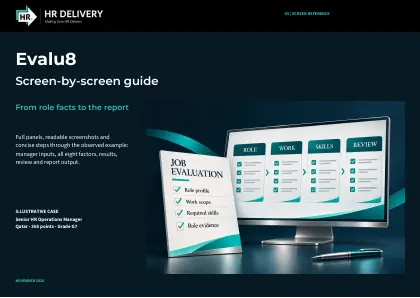
Describe the role, apply factor guidance and create a provisional PDF or Excel record.

Open Evalu8

PROTECTED WORKSPACE

Keep your evaluations together

Use the existing department portal for saved role evaluations and its document library.

Open saved evaluations

EVALUATE’s eight steps describe the implementation process. The online tool’s eight scoring factors are a separate part of the method. The online model is provisional for review and pilot use; agree calibration and approval arrangements before organisational decisions. Web-only evaluations are not saved automatically.

READ • APPLY • REFER BACK

Your reading library

All collections are open below. Browse the books, briefings and working documents; originals open in the site reader.

Evaluation books and documents

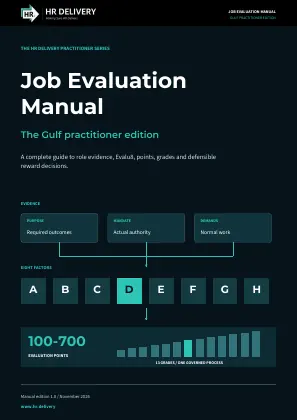
Books and practitioner manuals

Client and executive briefings

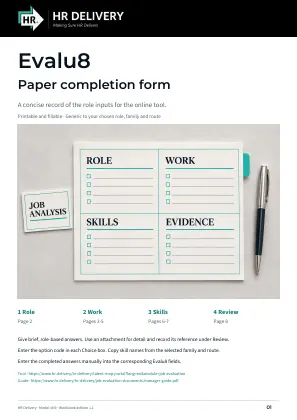
Forms, example reports and tool guidance

Further evaluation references

Books, complete guide and executive briefings

Method, grade criteria, Excel tools and worked example

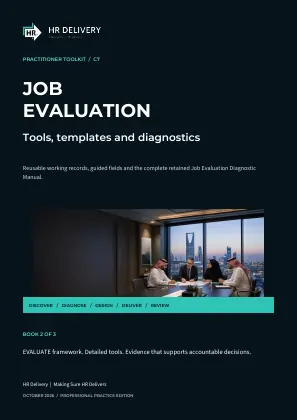
Diagnostics, framework and department user guide
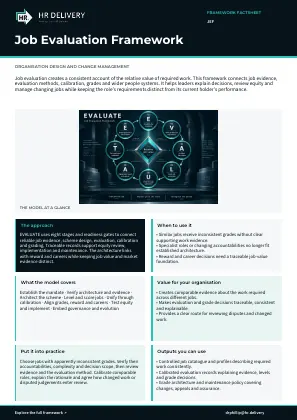
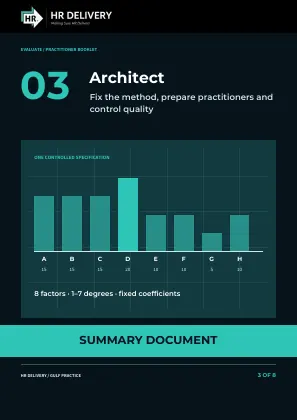
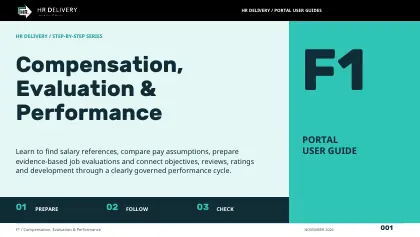
Open the detailed guide or two-page summary within each of the eight EVALUATE steps above. Each summary also includes a cover. Find the books, briefings and working documents in this library.

KEEP THE CONNECTION

Build the right reward.

Grades, salary bands and reward principles

Job reward

Omar / HR DELIVERY

Give your team another source of support.

Tell us your organisation, the work you need help with and the outcome you want to achieve. We will discuss the appropriate membership or service.

Contact your department ↗
Back to top ↑